If you’ve just unboxed your Wonder Sphere Magic Hover Ball and are wondering why it is not floating on its own, you are not alone. Despite the hover in its name, this is not a drone or levitating orb. It is a gyro-stabilized flight toy that relies on your technique to soar, return, and even cool you down. This guide cuts through the confusion and delivers a step-by-step breakdown of how to use a hover ball toy effectively based on real user experiences and proven launch methods.
You will learn how to power it on correctly, launch it for stable flight, play catch with a partner, trigger its boomerang return, and even use it as a personal fan. Whether you are a beginner or looking to master advanced tricks, this is your complete roadmap to getting the most out of your hover ball toy.
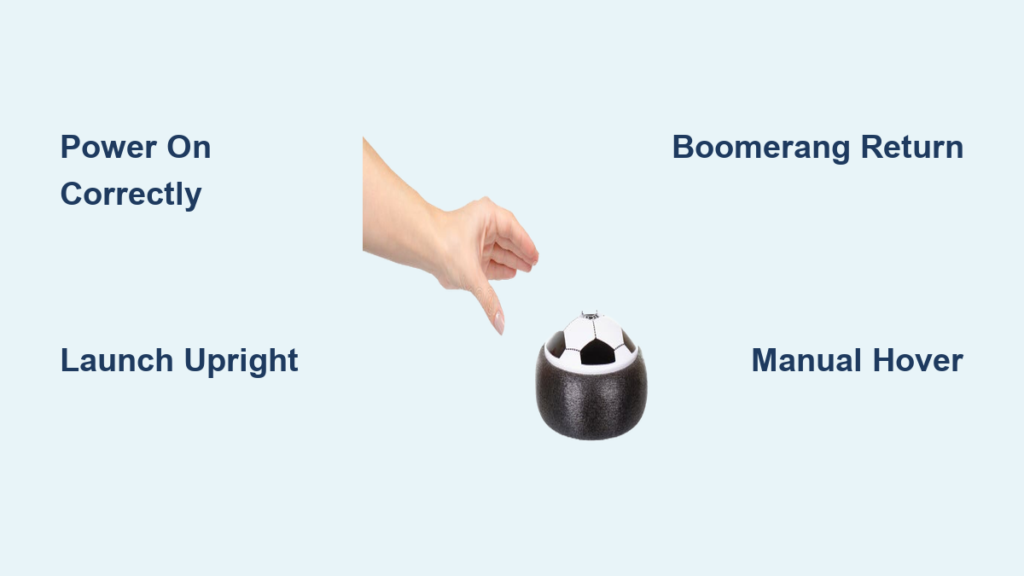
Power On the Hover Ball Correctly
Before flight, you must activate the internal rotor system using the right sequence. Skipping steps leads to failed starts and frustration.
Align Top-Up Position First
Hold the sphere with the button facing upward. This is the default top orientation. The LED and power controls are built into this side, and incorrect positioning prevents activation.
Press Button to Activate
Tap the top-mounted power button once. The LED will glow, signaling power is on. Do not shake yet. This only turns the system on.
Flip and Shake to Wake Rotors
Turn the ball upside-down (button now facing down) and gently shake it. This triggers the gyroscopic system to engage. You may hear a soft whir or see the ball begin to roll if placed on a flat surface.
Pro Tip: If the ball does not respond after shaking, flip it back upright, press the button to reset, and repeat the flip-shake sequence.
Launch for Stable Flight
A successful launch determines whether your hover ball flies straight or spirals out of control. Technique matters more than force.
Follow the 4-Step Launch Sequence
Power on by pressing the top button with the sphere in the upright position. Flip the ball upside-down and give it a gentle shake to wake the rotors. Return the ball to the top-up position. Release vertically with a slight nudge.
Key Launch Parameters
Launch angle should be vertical or near-vertical (0 to 15 degrees forward tilt recommended). Force applied should be minimal. A tiny nudge is all you need. Excessive force disrupts stability and causes erratic flight. The ball must be top-up at the moment of release.
Play Catch with a Partner
The hover ball enhances traditional catch games with dynamic flight patterns. Both players can take turns or use their own spheres.
Two-Player Instructions
Both players must have a powered-on sphere or take turns with one. Ensure each sphere is top-up before initiating. Perform the shake-wake sequence. Tilt the ball slightly forward (10 to 15 degrees) to create a forward-moving, rocket-like trajectory. Release with a gentle upward nudge. Catch the ball mid-air, avoiding contact with spinning rotors. Repeat the cycle.
Pro Tip: The consistent shake-release-catch loop builds rhythm and improves predictability. Users report the ball travels fast and high, especially in open fields.
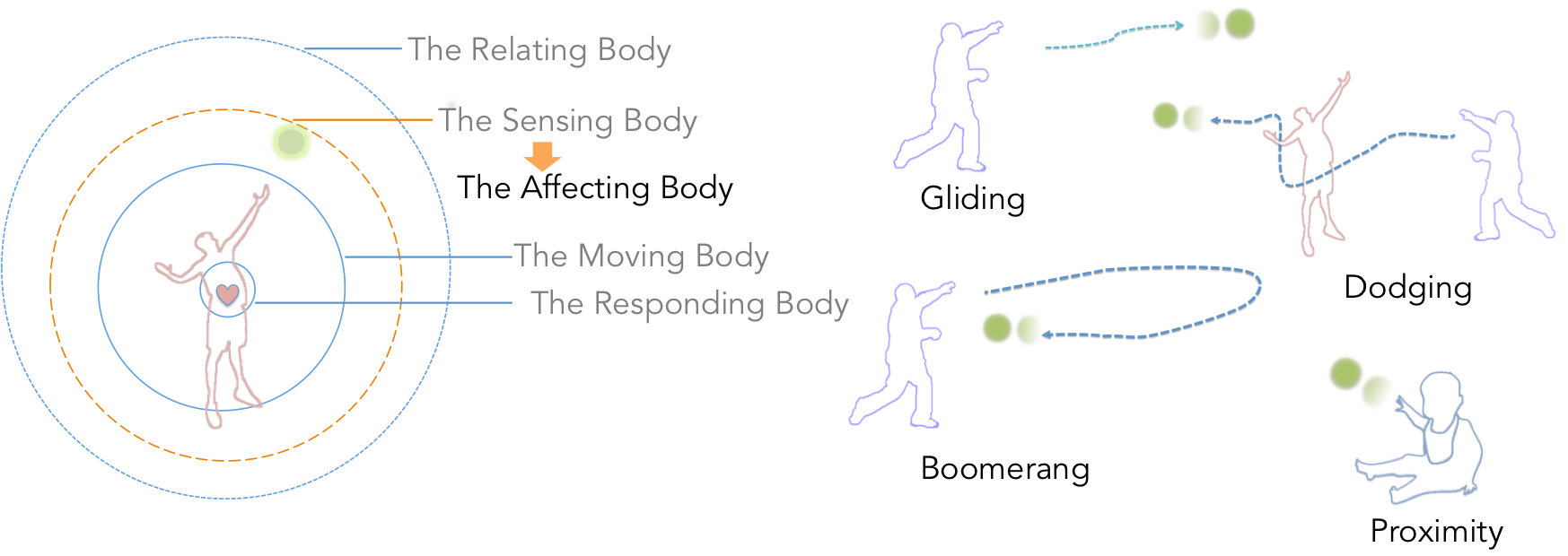
Master the Boomerang Return
The hover ball can return to you without a partner through a boomerang-style throw. This effect mimics a boomerang but depends heavily on correct inward tilt and gentle force.
Boomerang Throw Technique
After powering on and shaking awake, angle the top of the sphere inward toward your body. Gently toss the ball forward and slightly upward. The internal dynamics cause it to curve back toward you.
Pro Tip: Success requires practice and fine-tuning of angle and release timing. Too steep an angle or excessive speed prevents return and leads to uncontrolled descent.
Try Manual Hover Mode

Although the sphere does not hover on its own, it can be manually sustained in mid-air using hand positioning. This adds fidget-style engagement and extends play time temporarily.
How to Achieve Manual Hover
Launch the ball normally. As it descends, place your hand directly underneath the orb. Maintain a distance of approximately 2 to 4 inches between hand and ball. Adjust hand height dynamically to counteract the downward thrust from the rotors.
Important Note: This does not increase battery life. It only prolongs flight time temporarily.
Use the Personal Fan Feature

An additional feature makes your hover ball useful on hot days. When flipped upside-down while powered, the hover ball emits strong airflow from the bottom.
Fan Mode Instructions
Power on the ball normally. Flip it upside-down and hold it steady. The rotor creates a stream of air that can be directed toward your face or body. This works especially well during outdoor summer activities.
Warning: Avoid prolonged skin contact with the rotating blades beneath the grill.
Power Off Safely
To safely shut down the hover ball, follow this simple procedure. Stop motion by flipping the sphere right-side up and giving it a shake. This halts active movement. Power down by pressing the top button again. The LED indicator will turn off, signaling complete shutdown.
Pro Tip: A single press of the button toggles the LED light, which can be used as a visual status check for readiness or battery level.
Safety Tips and Best Practices
Keep these essential precautions in mind for safe and enjoyable play.
Critical safety reminders:
• Do not touch the spinning base. Keep fingers and hair clear of rotors.
• Avoid steep throws or incorrect orientation, which cause erratic flight.
• Extended manual hovering reduces effective playtime.
• Use in spacious areas indoors. There is risk of collision with walls and ceilings.
• Remember this is not a drone. It will not float indefinitely or hover without user intervention.
Frequently Asked Questions About Hover Ball Toys
Why does my hover ball not float on its own?
The hover ball uses gyro-stabilization and controlled thrust, not anti-gravity. It requires user technique to launch and maintain flight. It is not a drone and will fall when power ends.
What is the correct way to launch a hover ball for the first time?
Power on by pressing the top button with the ball upright. Flip it upside-down and shake gently to wake the rotors. Return to upright position. Release with a minimal upward nudge. The key is using minimal force.
Can I use my hover ball indoors?
Yes, but use caution. The ball can reach significant speeds and heights. Use in spacious areas and avoid walls, ceilings, and fragile objects. Outdoor use in parks or backyards is ideal.
How do I make the hover ball return like a boomerang?
Angle the top of the sphere inward toward your body. Toss gently forward and slightly upward. The internal dynamics cause it to curve back. Practice and fine-tuning of angle and release timing are required.
Is the hover ball safe for children?
The ball is lightweight (approximately 6 to 8 ounces) and designed for play. However, keep hands clear of the spinning rotors. Adult supervision is recommended for younger children to ensure proper technique and safety.
Does the hover ball require batteries?
Yes, the hover ball is battery-powered. Battery life varies with use. Extended manual hovering drains the battery faster.
Key Takeaways for Using Your Hover Ball Toy
Mastering the hover ball toy comes down to understanding that technique drives performance. The power-on sequence requires flipping and shaking to wake the rotors. Launch with minimal force in an upright position for stable flight. Practice the boomerang return by angling the sphere inward and tossing gently.
Remember that this is not a drone. It rewards practice and experimentation. Use the personal fan feature on hot days, play catch with friends, and always keep hands clear of spinning rotors. Start with the basics, master the launch, and progressively try advanced tricks like the boomerang return and manual hover.