Have you ever wanted to bring the blocky charm of Minecraft into your world—both in-game and off-screen? Whether you’re building a cozy bedroom inside a pixelated house or crafting a real-life plushie for a fan, how to make a toy in Minecraft opens up endless creative possibilities. From armor stand figures that mimic stuffed animals to DIY cardboard characters and screen-free Qixels kits, this guide walks you through every method to create toys inspired by the game.
You don’t need mods or advanced redstone to get started. With just a few in-game items like leather armor, dyes, and armor stands—or simple real-world supplies like fabric, cardboard, and glue—you can build toys that feel authentic and fun. Whether you’re playing survival mode or crafting with kids at home, these techniques blend imagination with practicality. By the end, you’ll know how to design plushies, pose figures, and even make physical builds that mirror your favorite Minecraft characters.
Build Armor Stand Plushies in Minecraft

One of the most popular ways to make a toy in Minecraft is by using armor stands to create plushie-style figures. These act as decorative toys in builds like treehouses, nurseries, or shops. By combining dyed leather armor and custom heads, you can simulate action figures or stuffed animals that look like they belong on a shelf.
Armor stands are flexible, poseable, and easy to customize. Once dressed and positioned, they resemble real plush toys, perfect for roleplay, storytelling, or adding charm to your base.
Materials Needed for Armor Stand Toys
Before starting, gather these in-game items. You will need leather armor pieces including chest plate, leggings, and boots. Various dyes let you color the armor, such as cocoa beans for brown, lapis lazuli for blue, or cactus green for zombie variants. An armor stand serves as the base figure, and a command block helps create custom player heads. Optional held items like tools, weapons, or blocks add character to your plushie.
How to Summon and Position Armor Stands
Place the armor stand where you want your plushie to appear, whether on a bed, shelf, or floor. Use the summon command to control rotation and create dynamic poses. The command /summon armor_stand ~ ~ ~ {Rotation:[270f,0f]} places an armor stand facing forward. The first number controls horizontal direction where 0f faces right, 90f faces away, 180f faces left, and 270f faces forward. The second number controls vertical tilt and usually stays at 0f. Adjust these values to fine-tune your plushie’s pose and orientation.
Customize with Dyed Leather Armor
Start by crafting and dyeing leather armor to match your desired toy character. Each piece can be colored using in-game dyes placed in a crafting grid alongside the armor. Brown armor works well for teddy bears using cocoa beans. Yellow armor suits chickens or Chica-style plushies using dandelions or yellow dye. Green armor creates zombie or slime characters using cactus green. Pink armor makes pig plushies using pink dye from salmon or rose red. After dyeing, right-click the armor stand with each piece to equip it. Use the off-hand slot for small accessories like scarves or backpacks.
Add Custom Heads and Held Items
Custom heads transform your armor stand into recognizable characters. Obtain a command block using /give @p command_block, then use /setblock ~ ~ ~ minecraft:player_head{SkullOwner:”Name”} replace to place a custom head. Replace the name with any valid username to use that player’s skin as the face. This technique lets you create teddy bears, creepers, or any character imaginable. To add held items, use /replaceitem entity @e[type=armor_stand,limit=1,sort=nearest] slot.weapon.mainhand minecraft:wooden_axe. You can also manually place items by holding them and right-clicking the stand.
Create Real-World Cardboard Minecraft Characters

Beyond the digital world, physical toys can be made to resemble Minecraft characters using simple craft supplies. Cardboard crafts work especially well for creating blocky, pixel-art style figures that capture the game’s aesthetic.
Materials and Templates for Cardboard Builds
Gather cardboard sheets, paint, glue, scissors, and printouts of Minecraft textures. Search online for pixel-art templates of popular characters like Steve, Creeper, Enderman, or Pig. Print the texture at your desired size, then use it as a cutting guide. This approach works well for making Minecraft cat heads or full-body character standees.
Step-by-Step Cardboard Assembly
Print or draw pixel-art versions of your chosen Minecraft character. Cut out the shape from cardboard, then paint with blocky, 8-bit style colors matching the in-game textures. Assemble into 3D figures using tabs and glue for structural support. Optional mounting on a base creates a display-ready piece. This method works particularly well for classroom projects or Minecraft-themed parties.
Sew Minecraft Plushies at Home
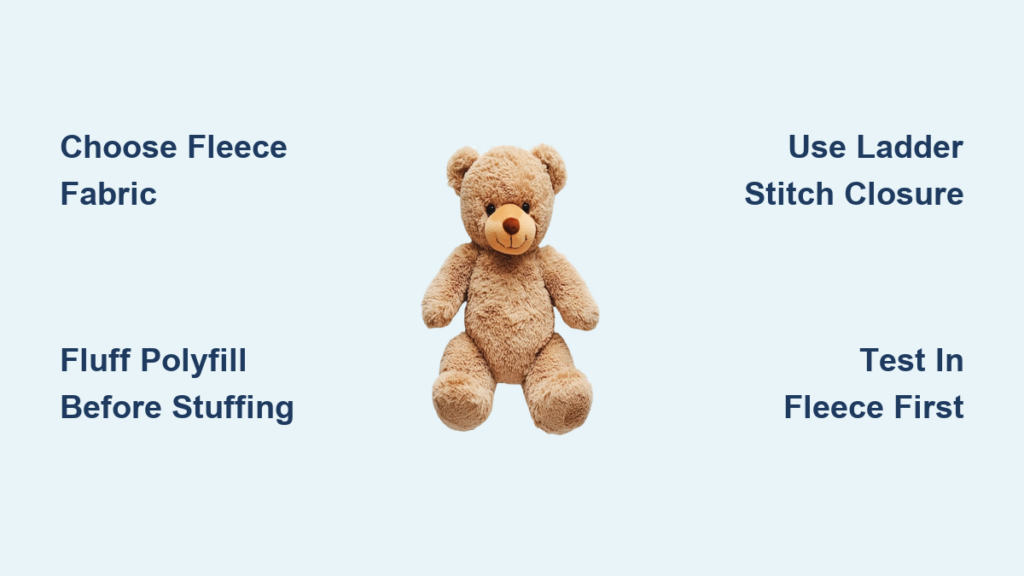
Fabric plushies offer a tactile, huggable way to bring Minecraft characters into the real world. These sewn creations make excellent gifts for fans of all ages.
Best Plushie Patterns to Try
Several popular plushie designs work well for Minecraft themes. A slime plush features green, cube-shaped construction with that signature wobbly appearance. A creeper pillow uses black and green pixelated fabric to recreate the iconic mob face. An enderman plushie requires tall, slender design with purple eye details. A grass block cube pillow combines textured green top with dirt-brown sides for a blocky aesthetic. A diamond sword plush uses felt or foam to craft the iconic weapon.
Essential Sewing Supplies
Stock up on fabric including felt, cotton, or fleece in appropriate colors. Gather thread, needles, or a sewing machine for assembly. Polyester fiberfill provides stuffing volume. Download templates or patterns from craft communities to ensure accurate proportions. Fabric paint or printed textures add finishing details to your creation.
Try Qixels for Screen-Free Block Building

Qixels offer a unique way to create real-world Minecraft-style characters using water-activated cubes. These kits provide screen-free creative play that mirrors the block-building gameplay kids love.
How Qixels Work
Qixels use a cube-based building system that mimics Minecraft’s blocky aesthetic. The water-fusing technology requires no heat, iron, or messy adhesives. Kids lay out designs on the fuser station and spray with water to bond the cubes. A turbo dryer plunger spins the station to air-dry creations quickly. The designs can be disassembled and rebuilt, making these reusable and economical.
What You Can Create
Qixels kits let kids build Minecraft characters including Steve, Creeper, Enderman, and Alex. Terraria-inspired figures come in some sets. Custom 8-bit art and pixel designs encourage original creations. These kits are recommended for ages five and up, sold at mass retailers like Walmart and Target, with price ranges from $9.99 to $19.99 per set.
Build Minecraft Weapon Replicas
Life-sized replicas of Minecraft tools and weapons make impressive display pieces or costume accessories.
Materials and Assembly
Use wood, foam, or cardboard to craft Diamond swords, Iron pickaxes, or Netherite tools. Paint with metallic finishes to mimic in-game materials. Add glow effects using LEDs for realistic lighting. These replicas work well for room decor, cosplay, or photography props.
Create a Minecraft Sensory Play Bin
Sensory bins offer tactile play opportunities that appeal to younger Minecraft fans.
Bin Contents and Setup
Fill a container with colored rice or beads representing different blocks. Add mini block toys and small figures for interactive play. Include plushies or 3D prints of favorite characters. This setup works well for classrooms, sensory therapy, or rainy-day entertainment. The bin encourages fine motor skill development while keeping kids engaged with Minecraft-themed play.
Frequently Asked Questions About Making Toys in Minecraft
Can I make toys in Minecraft without using commands?
Yes, you can create simple plushies using regular mob heads like zombie, creeper, pig, or skeleton heads combined with dyed leather armor. This method works in vanilla survival mode without cheats enabled.
What is the easiest real-world Minecraft toy to make?
Cardboard crafts offer the lowest barrier to entry. With just cardboard, scissors, glue, and paint, anyone can create blocky Minecraft characters. Qixels kits are also beginner-friendly for children ages five and up.
How do I make my armor stand plushie look more realistic?
Place plushies on pillows, beds, or shelves to enhance realism. Use glass enclosures or display cases to protect special creations. Combine different colored armor and heads to create unique characters. Name tags can label your plushies with custom names.
Are Qixels reusable?
Yes, Qixels designs can be disassembled and rebuilt multiple times. The water-fusing process creates temporary bonds that allow for reconstruction, making these kits economical and environmentally friendly.
What age is appropriate for Minecraft toy crafts?
Cardboard crafts work for all ages with supervision. Qixels kits recommend ages five and up. Sewing projects vary by complexity but generally suit ages eight and up. Always choose non-toxic materials for younger children.
Key Takeaways for Making Minecraft Toys
Creating toys inspired by Minecraft happens both in-game and in the real world. In-game, armor stands dressed with dyed leather armor and custom heads make excellent plushie-style decorations for your builds. For real-world crafting, start with simple cardboard projects before advancing to sewn plushies. Qixels kits offer screen-free play that mirrors Minecraft’s block-building gameplay. Combine digital and physical creations by using in-game screenshots as templates for real-life builds. Whether you prefer playing inside the game or crafting with your hands, these toy-making methods let you bring the blocky world of Minecraft into your everyday life.