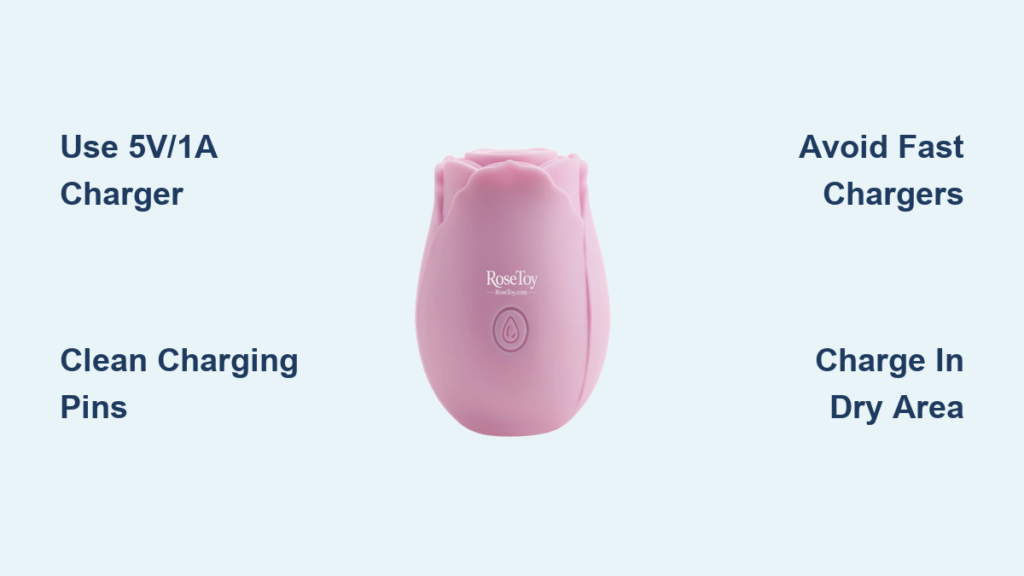
If your Rose toy isn’t powering on or feels weaker during use, it likely needs charging. This sleek, rechargeable device relies on a built-in lithium-ion battery, and knowing how to charge it properly ensures peak performance and long-term safety. Whether you’re using the original magnetic cable or troubleshooting a stubborn charging issue, this guide walks you through every step.
You’ll learn how to identify low battery signs, use alternative power sources, fix common charging problems, and extend your toy battery life for years of reliable use.
Finding the Charging Port on Your Rose Toy
Before plugging in, you need to identify your Rose toy charging system. Most models use one of two designs: magnetic pins or a covered USB port.
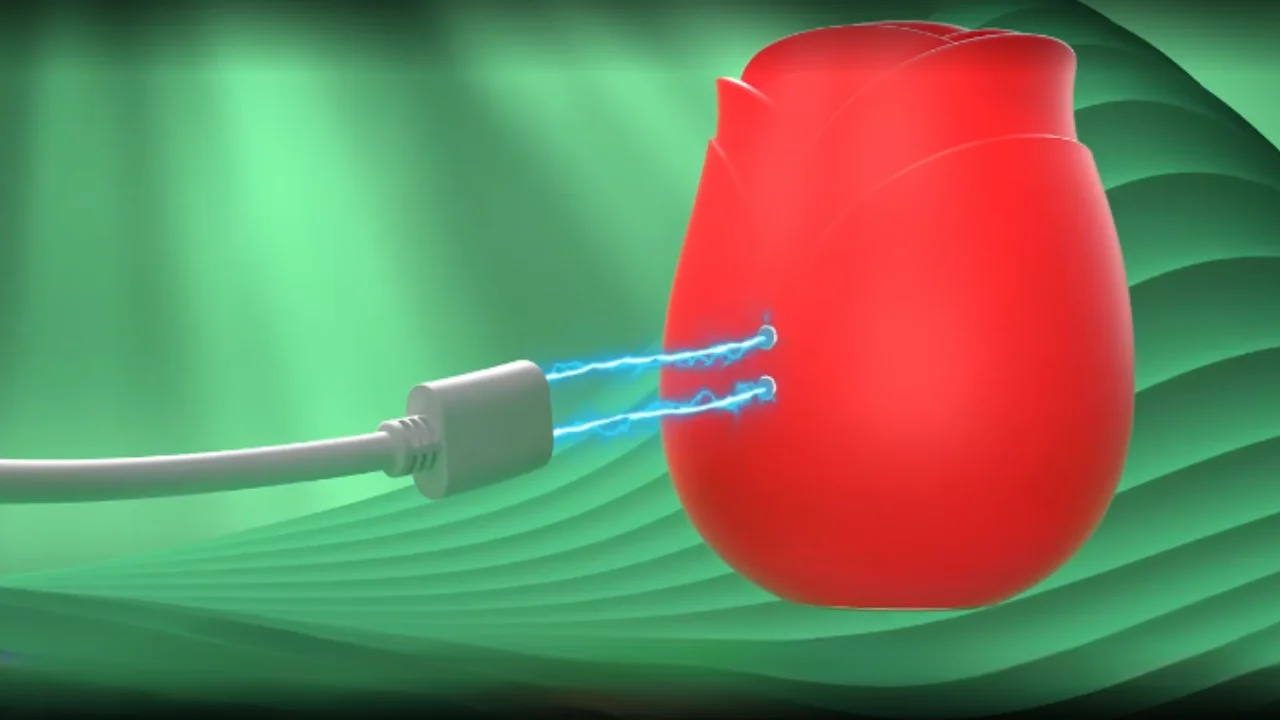
Magnetic Charging Pins
Look for two small metal dots on the base or back of your toy. These are the charging contacts, and no insertion is needed. The magnetic cable attaches automatically when positioned correctly. Ensure the surface is clean and dry before connecting.
PIN USB Port
Some models have a rubber-flap-covered USB port. Gently lift the flap and check for debris or moisture. Insert the USB plug straight in, and never force it. Misalignment can damage internal connectors.
Check for Waterproofing
If your model has no exposed port, it likely uses magnetic or wireless charging, which enhances water resistance. Avoid submerging any part with visible wear or cracks.
Connecting to a Power Source
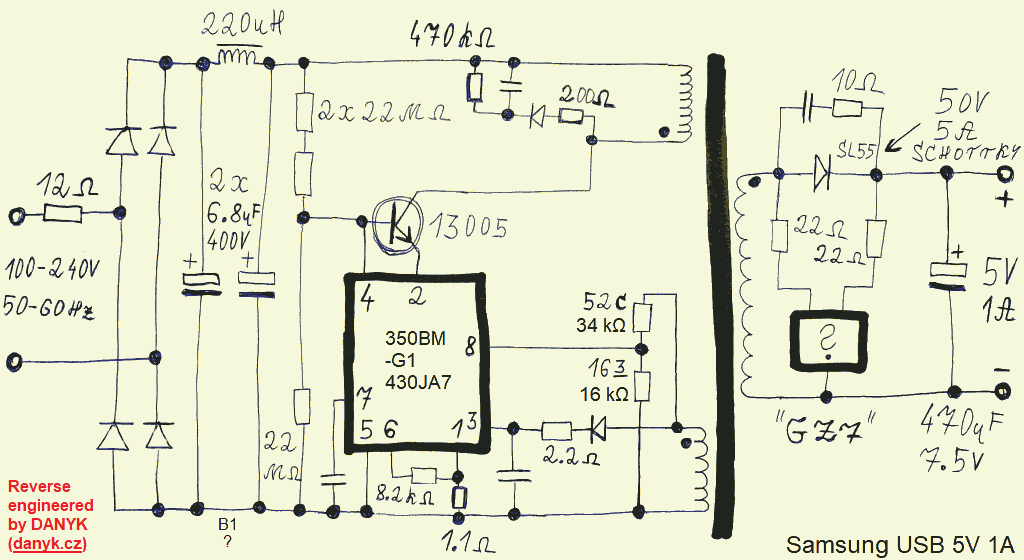
Once the cable is attached, plug the other end into a stable 5V/1A power source to begin charging.
Use a Compatible Charger
Stick to these options:
- A USB wall adapter (5V/1A)
- A laptop or desktop USB port
- A power bank with stable output
- A car USB charger (if rated 5V/1A)
You can use an iPhone or Android phone charger as long as the cable fits the toy. Most smartphone adapters are safe because they deliver standard 5V output.
Avoid fast chargers like USB-PD (18W+) or Apple Watch chargers. They may overheat the device or damage the battery.
Align Magnetic Pins Correctly
For magnetic models, ensure both pins connect fully. If the light doesn’t blink, rotate the connector slightly. Polarity matters, and a weak hold often means misalignment rather than a dead battery.
Reading the Charging Indicator
Your Rose toy uses an LED light to show charging status, and this is your main diagnostic tool.
Blinking Light Means Charging
When power flows, the LED will flash or pulse. This confirms the connection is active. If there’s no light, check the cable, power source, and contact points.
Solid Light Means Fully Charged
Once charging completes (typically in 60 to 120 minutes), the light turns steady. Some models switch from red to green. Unplug immediately to avoid overcharging.
No Light? Try These Fixes
- Clean the pins with isopropyl alcohol (70%+) and a cotton swab
- Test with a different cable or adapter
- Plug into a laptop instead of a wall outlet
- Wait up to 2 hours if the battery is deeply drained
Charging Without the Original Cable
Lost your charger? Don’t panic. Safe alternatives exist if you match the specifications.
Buy a Compatible Replacement
Purchase a magnetic USB or PIN USB replacement from the manufacturer website, Amazon, UGREEN, or adult retailers like Lovehoney or PinkCherry. Ensure it matches 5V voltage, 1A current, and the correct connector type.
Use a Power Bank Safely
Power banks are perfect for travel. Connect the toy to any power bank that outputs 5V/1A. Avoid cheap models with unstable output. The toy should only feel slightly warm. Stop if it heats up.
Try Wireless Charging (If Supported)
High-end Rose toys may support Qi wireless charging. Place the toy centered on a Qi pad. Charging takes longer than wired methods but avoids port wear.
Fixing Common Charging Problems
Most charging issues are simple to fix. Start with these proven solutions.
Rose Toy Won’t Charge
Dirty or corroded pins: Buildup blocks power. Dip a cotton swab in rubbing alcohol, clean both pins, and let dry completely before retrying.
Loose magnetic connection: If the cable doesn’t snap on firmly, realign by hand. A weak magnetic pull often means debris or mispositioning, not a broken charger.
Slow charging: Using a low-power USB port (like on older computers) can extend charge time. Switch to a wall adapter for faster results.
Overheating During Charging
If the toy gets hot, disconnect it immediately. Causes include a damaged cable, a non-standard charger (like 9V), or internal battery failure. Use only certified 5V/1A chargers moving forward.
Fully Charged But Won’t Turn On
Possible causes include a stuck power button (clean around the button with alcohol), a software glitch (try a reset by holding power for 10 to 15 seconds), or battery failure. If there’s no response after multiple charge attempts, contact support.
Charging Safely: What to Avoid
Your safety and the toy lifespan depend on smart charging habits.
Never Use While Charging
Heat builds up faster when in use, increasing risk of burns or electrical issues. Wait until fully charged before using.
Don’t Charge Overnight
Lithium-ion batteries don’t need trickle charging. Leaving it plugged in degrades the battery over time. Set a timer if needed.
Avoid DIY Charging Cables
While you can make a DIY magnetic charger using USB wires and magnets, there’s risk of short circuits, no overcharge protection, and potential fire hazard. Only attempt as a last resort, and replace with an official charger immediately.
Charge in a Dry, Ventilated Area
Never charge in bathrooms, near sinks, or under pillows. Moisture and poor airflow increase failure risks.
Extending Battery Life: Pro Tips
A Rose toy battery lasts 300 to 500 charge cycles, but smart habits can maximize that.
Avoid Full Discharges
Don’t wait until the toy dies. Recharge when performance dips or the LED blinks slowly.
Store at 50% Charge
If storing for weeks or months, charge to about half. Full or empty storage damages lithium batteries over time.
Clean Monthly
Dust and residue on pins cause connection issues. Wipe with alcohol every 4 weeks.
Keep Cool and Dry
Heat is the number one battery killer. Store away from sunlight, radiators, or hot cars.
Use Regularly
Batteries degrade faster when idle. Even short weekly sessions help maintain health.
Recognizing Warning Signs
Catch problems early by watching for these red flags.
Dim or Slow-Blinking LED
This indicates low battery. Charge soon to prevent deep discharge.
Weak Suction or Vibration
Power drops when the battery is low. Recharge before next use.
Unexpected Shutdowns
If the toy turns off mid-use, it’s likely out of power. Charge fully and monitor performance.
No Response at All
This could mean a dead battery, faulty charging system, or internal damage. Try all troubleshooting steps first, then contact customer support.
Frequently Asked Questions About Charging a Rose Toy
Can I use my phone charger to charge a Rose toy?
Yes, if it’s 5V/1A and you use the correct cable. Most phone adapters are safe. Avoid 18W+ fast chargers.
How long does charging take?
Most Rose toys take 60 to 120 minutes for full charge. Fast-charging models may take under 60 minutes.
What does the light mean?
Blinking means charging. Solid light means fully charged. No light means no connection or dead battery.
Can I charge in 10 minutes?
Yes, a short charge can power a quick session, but it won’t be full. This works well for emergencies.
Why won’t it charge with my Apple Watch pad?
Apple Watch chargers use proprietary technology. They’re not compatible and may damage your toy.
Is wireless charging safe?
Yes, but only if your model supports it. Standard Qi pads work, but don’t force it on non-wireless models.
Key Takeaways for Charging Your Rose Toy
Charging your Rose toy is straightforward when you follow the right steps. Use a 5V/1A power source, keep contacts clean, and unplug when fully charged. Avoid risky shortcuts like DIY cables or fast chargers. Clean the charging pins monthly with isopropyl alcohol to maintain good connection. Store your toy at 50% charge if keeping it unused for extended periods, and always charge in a dry, ventilated area away from moisture.
With proper care, your device will deliver strong, reliable performance for years. If problems persist after troubleshooting, reach out to the manufacturer for support or a replacement.